
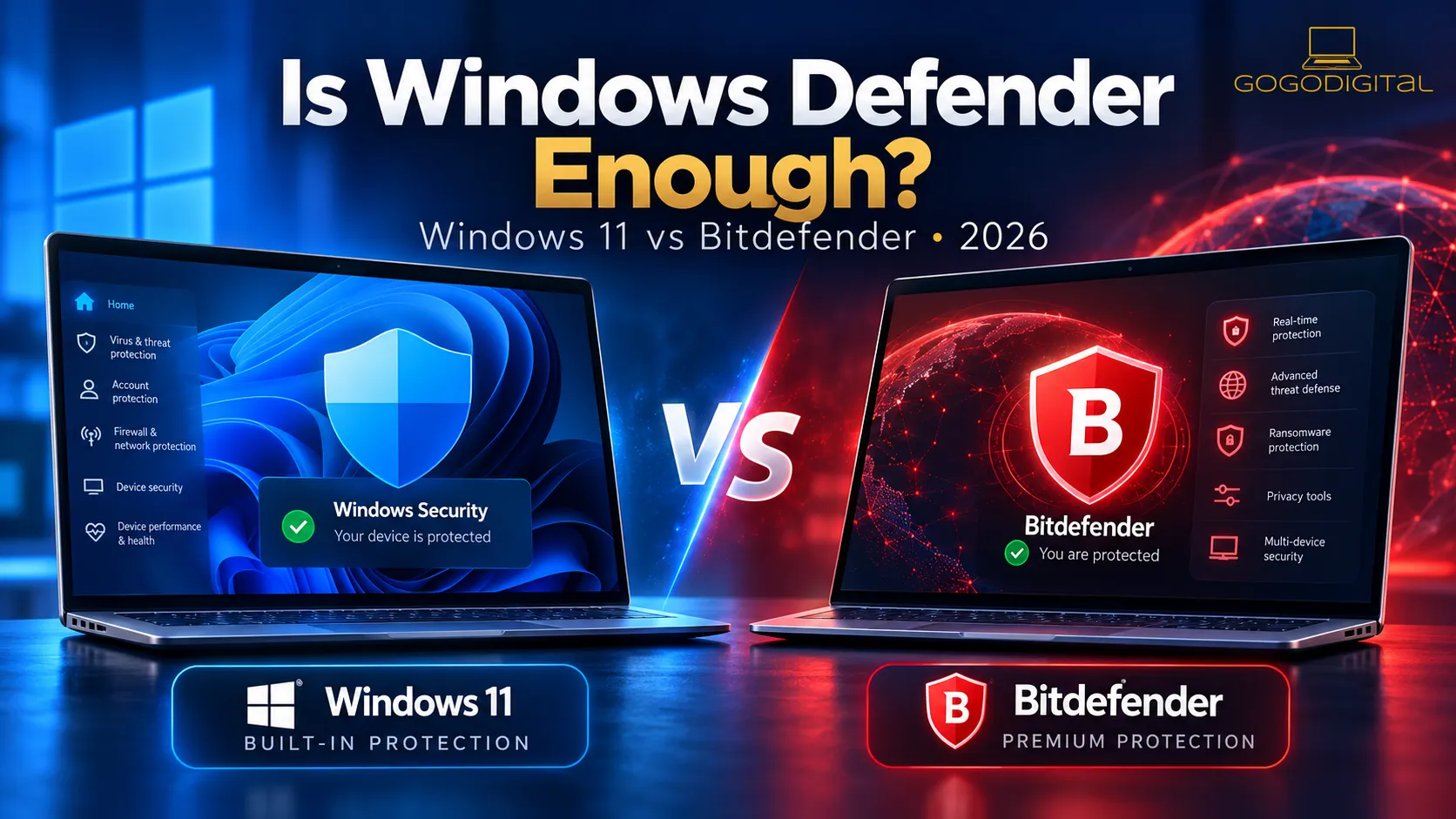
Windows 11 security guide • UK • Updated October 2026
Is free Microsoft Defender all the protection you need?
For many people using a fully updated Windows 11 PC, yes — Microsoft’s built-in antivirus is a credible first choice. You do not have to pay simply to have effective malware protection.
A paid suite such as Bitdefender can still make sense if you value an additional set of security tools, an alternative security experience or protection for several types of device. This guide shows where the practical differences really are — without exaggerating the risks of using free antivirus.
The quick answer
- Keep Defender if you use one Windows 11 computer, install reputable software, keep everything updated and are happy with the built-in features.
- Consider Antivirus Plus if you want a dedicated Windows antivirus suite with Bitdefender’s own security tools. Confirm the specific licence’s device and platform entitlement.
- Consider Total Security if you want one subscription for several compatible Windows, Mac, Android or iOS devices, subject to the exact licence terms.
Our disclosure: GoGoDigital sells Bitdefender digital licences. We therefore link to Bitdefender products we stock, but Microsoft’s free option is a legitimate recommendation. We do not conduct our own antivirus laboratory tests; independent results are attributed below.
What protection is already built into Windows 11?
Windows 11 includes Microsoft Defender Antivirus within the Windows Security app. It scans for malware, provides real-time protection and receives security intelligence updates. Windows also has related safeguards that help block malicious downloads, suspicious websites and unauthorised changes to protected files.
Real-time antivirus
Defender checks files and applications for known and suspicious threats, with cloud-assisted protection and regular security intelligence updates.
Safer downloads and browsing
Microsoft Defender SmartScreen and reputation-based protection can warn about suspicious websites, applications and downloads. Coverage can vary with browser and settings.
Ransomware safeguards
Windows provides Controlled folder access to restrict changes to selected folders. It is a configurable feature, not something to assume is enabled on every PC.
Security settings in one place
The Windows Security app gives you access to scans, protection updates, firewall status, ransomware options and other built-in safeguards.
Source: Microsoft Support: Virus & threat protection and Microsoft Learn: Windows 11 security.
Microsoft Defender vs Bitdefender: what did independent testing find?
In AV-TEST’s July–August 2026 Windows 11 evaluation, both Microsoft Defender Antivirus and Bitdefender Total Security achieved full marks for protection and usability. Bitdefender scored slightly higher in the performance category in that particular round.
| AV-TEST, August 2026 | Protection | Performance | Usability |
|---|---|---|---|
| Microsoft Defender Antivirus (Consumer) | 6 / 6 | 5.5 / 6 | 6 / 6 |
| Bitdefender Total Security 27.0 | 6 / 6 | 6 / 6 | 6 / 6 |
Source: AV-TEST: Windows 11, August 2026. These are the published results for the specific products and versions tested, not a guarantee of future outcomes. Antivirus Plus was not the Bitdefender product in this comparison.
Defender is not a weak antivirus that needs replacing by default. Bitdefender Total Security also tested very well. Your decision should therefore be based on the features, device coverage, price and experience you want — not on claims that Windows has no effective protection.
What does a paid Bitdefender licence add?
A paid product can provide a different set of integrated tools and, in the case of eligible Total Security licences, an easier way to protect several supported devices through one subscription. Those benefits may be important in some households and unnecessary in others.
| Need | Windows 11 with Defender | Paid Bitdefender options |
|---|---|---|
| Real-time malware defence | Included | Included on supported devices |
| Suspicious websites/downloads | Windows/SmartScreen safeguards | Bitdefender web and anti-phishing tools |
| Ransomware measures | Built-in protections including optional folder access controls | Additional product-specific ransomware tools |
| Dedicated banking browser | No dedicated equivalent bundled with Defender Antivirus | Safepay on supported Windows Bitdefender products |
| Multiple operating systems | Windows-specific built-in antivirus | Eligible Total Security licences support Windows, Mac, Android and iOS; functions vary |
| Price | Included with supported Windows | Separate paid subscription; current retailer prices vary |
The precise Bitdefender features and supported platforms depend on the product and activation-code entitlement. GoGoDigital’s existing Antivirus Plus listings are Windows-focused; do not assume an older code is interchangeable with a newer multiplatform plan.
When is Microsoft Defender enough?
For a single, properly maintained Windows 11 computer, Defender is often a sensible answer. That is especially true when you use a standard user account where practical, enable browser safeguards, install security updates and avoid untrusted download sites.
There is no substitute for a reliable backup, unique passwords and care with unexpected messages. Paid antivirus does not make unsafe behaviour risk-free, and free antivirus does not prevent you from following strong security practices.
Your five-minute Windows Security check
- Open Start → Windows Security, then select Virus & threat protection.
- Check that the antivirus provider is active and protection updates are current.
- Under Manage settings, review real-time and cloud-delivered protection where Defender is your active antivirus.
- Open App & browser control and review reputation-based protection settings.
- Review Ransomware protection, keep your files backed up and consider Controlled folder access if suitable for your applications.
Windows Security labels may differ with Windows updates or managed devices. Follow Microsoft’s guidance before changing security settings.
When could buying Bitdefender be worthwhile?
You want a dedicated Windows security suite
Bitdefender Antivirus Plus offers an alternative to built-in protection with its own anti-malware, anti-phishing and supported Windows tools. It is a paid choice, not a requirement for every user.
You own several different devices
A matching Bitdefender Total Security licence can cover multiple supported Windows, macOS, Android and iOS devices under the purchased device allowance.
You value particular extras
Some Bitdefender products offer a dedicated safe-banking browser, additional privacy tools, a firewall or optimisation features. Check the exact plan before buying.
You prefer the Bitdefender experience
Usability, notifications, settings and account management matter. Choosing software that you understand and keep updated is often more useful than chasing exaggerated claims.
Compare relevant licences at GoGoDigital
If you’ve decided that a paid product meets your needs, these existing GoGoDigital ranges are the natural starting points. Current prices and availability are shown on the product pages, rather than hard-coded here.
Windows PC protection
Bitdefender Antivirus Plus
A dedicated option for compatible Windows PCs. Compare one-device and three-device licences, and check the duration and entitlement before purchasing.
Multi-device household protection
Bitdefender Total Security
Suitable for people who want compatible protection on several devices using one account. Available features vary between operating systems and licences.
A new activation code does not automatically extend every existing subscription. Check that the product edition, device allowance and licence type are compatible. Read our subscription extension guide before ordering.
Can you run Bitdefender and Microsoft Defender at the same time?
On a normal Windows PC, you should not try to force two antivirus products to provide overlapping full real-time protection. When a compatible third-party antivirus registers with Windows Security, Microsoft Defender Antivirus typically switches out of its primary real-time antivirus role. Windows Security can still show the installed provider and related protection settings.
Do not permanently switch off all protection before installing another product. Install a legitimate, up-to-date licence, follow the provider’s instructions and then confirm the active protection status in Windows Security.
Microsoft explains how Windows responds to third-party antivirus in its Antivirus and antimalware FAQ.
Frequently asked questions
Does Windows 11 need antivirus?
Yes, a Windows 11 PC should have active malware protection. The important distinction is that Microsoft Defender Antivirus already comes included, so paying for additional antivirus is not automatically necessary.
Is Microsoft Defender good enough for online banking?
It provides meaningful malware and browser-related safeguards, but online safety also relies on updated software, a genuine banking site, strong account security and resistance to phishing. Some Bitdefender Windows products add the Safepay banking browser if you specifically want that extra.
Is Bitdefender better than Windows Defender?
There is no single answer for every user or product. In AV-TEST’s August 2026 Windows 11 evaluation, both Defender Antivirus and Bitdefender Total Security scored 6/6 for protection. Bitdefender Total Security scored 6/6 for performance versus Defender’s 5.5/6 in that round. Compare the specific features you need, not just a brand name.
Does Microsoft Defender protect against ransomware?
Defender includes malware protection, and Windows offers features such as Controlled folder access for supported folders. You still need reliable backups; no antivirus can guarantee recovery after every ransomware incident.
Is Windows Defender free forever?
Microsoft Defender Antivirus is included with supported Windows installations; it is not a separate paid antivirus subscription. Ongoing protection and updates depend on your Windows version remaining supported and receiving updates.
Should I buy Antivirus Plus or Total Security?
Look at the exact device allowance and operating systems. GoGoDigital’s existing Antivirus Plus listings are geared towards Windows PCs; an eligible Total Security licence can be more useful for a mix of Windows, Mac, Android and iOS devices. Browse the Bitdefender range for current options.
Choose the protection that fits — not the most expensive plan.
If Defender already meets your needs, keep it updated and save your money. If you’d prefer extra features or multi-device security, compare GoGoDigital’s current Bitdefender licences before making a decision.
Browse Bitdefender at GoGoDigital →
Unsure about licence compatibility? Contact us before buying.
Sources and further reading
- AV-TEST: Windows 11 home antivirus test, August 2026 — product-specific laboratory scores.
- Microsoft Support: Virus & threat protection in Windows Security.
- Microsoft Learn: Virus and threat protection in Windows 11.
- Bitdefender Support: Antivirus Plus features and requirements.
- Bitdefender Support: Total Security features and requirements.
Editorial review: 28 October 2026. Product capabilities and third-party test results can change. Check the exact product and licence details before purchase.